Are AI Calls Recorded? What Businesses Need to Know
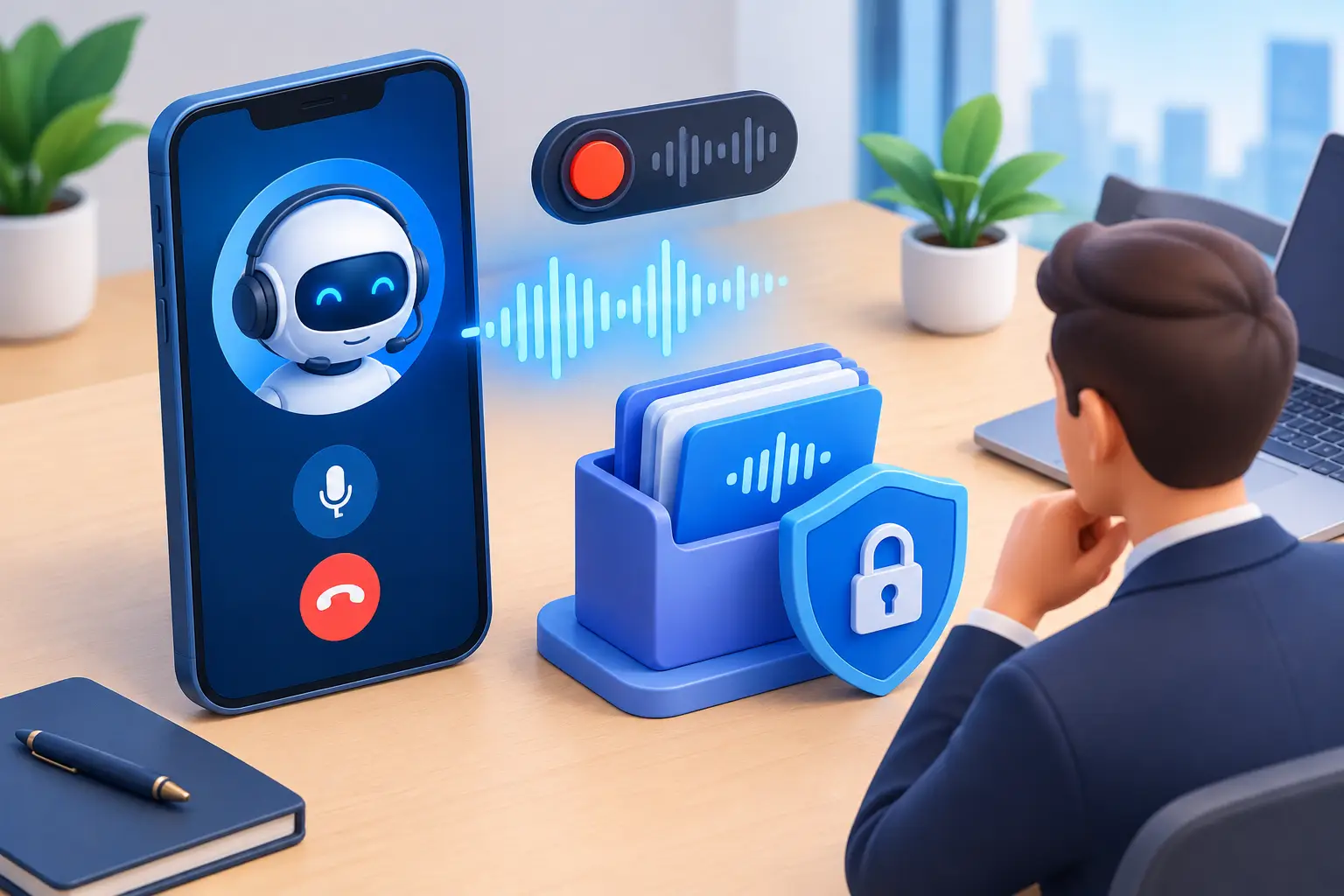
A customer rings at 7:15 pm, asks for a price, and your AI voice agent books an inspection before the lead has time to call the next business. The obvious question follows: are AI calls recorded? For most businesses, the answer is not a simple yes or no. An AI phone system may record audio, create a transcript, capture call notes, or do a combination of all three. Each option has different privacy, operational and customer-experience implications.
For an Australian service business, the practical goal is clear. Capture the enquiry, qualify it properly and give your team the information they need to book the job or progress the sale. But that does not mean keeping every word forever. A sensible call setup collects what helps the team serve customers, protects it properly, and tells callers what is happening.
Are AI calls recorded? Usually, but not always
AI calls can be handled in several ways. Some voice agents make a full audio recording. Others create a text transcript while the call is in progress. Some retain only structured information such as the caller's name, suburb, service required, preferred booking time and urgency. A business may also receive a short call summary in its CRM without retaining the full recording.
These are not interchangeable. A recording lets a manager review tone, accuracy and how a complaint was handled. A transcript makes it easier to search for details, audit outcomes and update CRM records. Structured notes are often enough for straightforward booking workflows, such as a plumber collecting a fault description or a dental practice confirming an appointment request.
The right choice depends on the call type. If your team needs to verify what was agreed in a complex quote conversation, a recording can be useful. If the AI is simply answering after-hours enquiries and booking a callback, storing the essential lead details may be the better, lower-risk option.
Recording is only one part of the data trail
When people ask whether an AI call is recorded, they often mean, “What does the business keep about me?” That broader question matters more than the audio file alone.
An AI agent may capture a caller's phone number, spoken name, email address, address, job photos sent after the call, booking details, call transcript, sentiment signals and outcome. If the agent connects with your CRM, calendar or quoting tool, those details may also move into the systems your staff already use.
That is not inherently a problem. It is how a lead stops being a forgotten voicemail and becomes a booked inspection, quote-ready opportunity or resolved customer request. The issue is whether the business has a clear reason for collecting each item, limits access to people who need it, and does not use the information in ways the caller would not reasonably expect.
For example, an automotive workshop may need a registration number, vehicle issue and preferred drop-off time. It probably does not need to retain an indefinite word-for-word record of every routine booking call. A mortgage broker or clinic will need a more cautious design because the conversation may involve sensitive financial or health information.
Australian consent rules are not a checkbox
Call recording and monitoring rules in Australia can depend on where the people on the call are located and which state or territory laws apply. Privacy obligations can also vary according to the business, its turnover, industry and the kind of information it handles. Health providers, for instance, can have obligations even where a small business might otherwise fall outside parts of the federal Privacy Act framework.
That is why it is risky to copy a generic overseas script and assume the job is done. Get advice that fits your business, your service area and your call flows, particularly if you handle health, finance, legal matters, vulnerable customers or high-value contracts.
Operationally, the safest approach is also the clearest: tell callers early if their call may be recorded, transcribed or monitored. Use plain language rather than burying it in a privacy policy nobody sees. A short opening message can explain that the business uses an AI assistant, that the call may be recorded or transcribed for service and training, and that the caller can ask to speak with a team member where appropriate.
The exact wording should be reviewed for your circumstances, but the principle is simple. No surprises. Customers are more likely to accept technology when they understand why it is there and can see it is helping them get an answer faster.
Build the call flow around trust, not just automation
A good AI voice agent should not pretend to be a person. It should identify itself appropriately, explain what it can help with and hand off when the call needs judgement, reassurance or specialist knowledge.
This matters even more when recording is enabled. A caller disputing an invoice, reporting a serious safety issue or discussing a personal health concern should not be trapped in a rigid script. The agent needs clear escalation rules: route the call to a staff member, take a message for urgent follow-up, or provide an alternative contact path if the caller does not want to continue through the automated process.
For everyday calls, keep the explanation brief. Long compliance messages can frustrate someone who only wants to know whether you service their suburb. The best setup gives the notice upfront, then gets on with the job: understand the request, collect relevant details, book the next step and confirm what will happen next.
Decide what to retain before the calls start
The expensive mistake is not turning on recording. It is turning it on without a retention plan, access controls or ownership inside the business.
Start with the operational reason for each type of data. If recordings are used for quality assurance, define who reviews them and how often. If transcripts are used to train staff or improve the agent's answers, remove unnecessary personal details where possible. If call notes are pushed into the CRM, decide which fields are genuinely useful to sales and service teams.
Then set a retention period that reflects the purpose. A missed-call enquiry that never progresses may not need the same retention as a call connected to an active job, complaint or contract. Keeping data longer than necessary increases the impact if a system is accessed improperly and creates more information for your team to manage.
Access needs the same discipline. Reception staff may need booking notes. A sales manager may need call outcomes and quality reports. Not everyone needs access to every recording, transcript or customer history. Use role-based access, secure logins and a clear process for removing access when staff leave.
Your AI provider also matters. Ask where recordings and transcripts are stored, who can access them, whether data is encrypted, how deletion works, how integrations pass information into your CRM, and whether customer data is used to train broader models. A supplier should be able to answer these questions directly, without vague promises.
When recordings help the business and the customer
Used properly, call records can improve service rather than create more admin. They show where callers get confused, where staff need better scripts, and whether the AI is asking the right qualifying questions. For a solar business, that might mean checking roof type, postcode and bill range before an appointment. For a tradie, it could mean separating an urgent leak from a routine maintenance request and getting the right details to the right person.
They can also protect continuity. When a customer calls back, the team should not have to ask them to repeat the full story. A concise, accurate summary in the CRM lets staff pick up the conversation and focus on solving the problem.
There is a trade-off, though. More data can produce better context, but it also creates more responsibility. The best result is rarely “record everything”. It is collecting enough information to respond quickly and accurately, while treating every customer detail as something your business is responsible for protecting.
A practical setup for AI phone calls
Before launch, map the journey from the first ring to the final CRM update. Confirm what the AI says about its role, whether calls are recorded or transcribed, which details it collects, where those details go, and when a human takes over. Test the workflow with real-world scenarios: an after-hours emergency, an angry caller, a quote request with missing information, a caller who asks if they are speaking to AI, and someone who objects to recording.
Review a sample of calls during the first few weeks. Look for wrong bookings, unclear disclosures, missed handovers and fields that staff never use. Small changes to the questions, routing rules or retention settings can remove friction quickly.
AI phone coverage works best when it gives people a faster path to help and gives your team cleaner information to act on. Set that standard from the first call, and recording becomes a considered business tool rather than a privacy problem waiting to happen.
See it on your own calls
Book a short demo and we will show you how Sparkssurge answers, qualifies and books on your workflow.
Book a demo