Call Automation That Stops Leads Going Cold
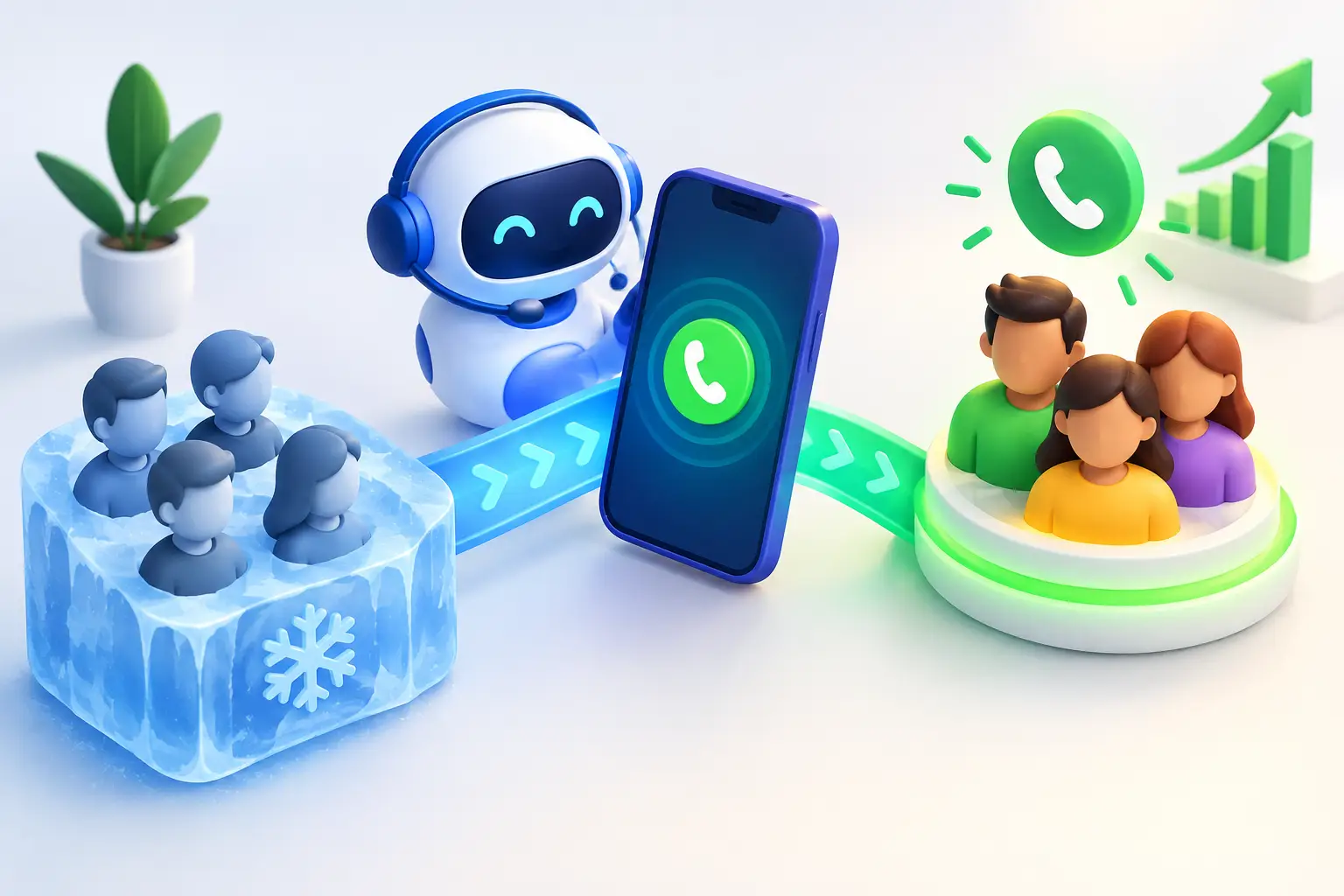
A missed call is rarely just a missed call. For a tradie, it can be a job that goes to the next business on Google. For a dental practice, it can be an empty appointment slot. For a sales team, it can be a high-value lead that never gets a callback because the day got away from them.
Call automation gives businesses a practical way to answer, qualify and progress more enquiries without asking staff to live on the phone. Done properly, it does not replace the people who build trust, solve complex problems and close important work. It handles the repeatable parts that create delays: answering, gathering details, booking, routing and following up.
For Australian businesses with busy phones and lean teams, that difference matters. The goal is not to sound futuristic. The goal is to make sure customers get a useful response when they are ready to talk.
What call automation should actually do
Call automation is often described as an automated phone system, but that definition is too narrow. A basic menu that says “press one for sales” may route a caller, yet it does little to move a lead forward.
A useful system can hold a natural conversation, understand why someone is calling, collect the right information and take the next step in your existing workflow. That might mean booking a site visit, confirming an appointment, taking notes for a staff member or escalating an urgent issue.
For example, a homeowner calling a solar provider after work may want to know whether their roof is suitable and how quickly they can get a quote. Rather than sending them to voicemail, an AI voice agent can ask for the suburb, property type, energy goals and preferred appointment time. It can then book the consultation and place the details in the CRM before the sales rep starts the next morning.
That is call automation doing revenue work, not just answering the phone.
Where call automation creates the biggest gains
The strongest use cases tend to be businesses where speed matters and enquiries follow a repeatable path. The caller does not always need an expert straight away. They need an answer, a clear next step and confidence that someone has taken ownership.
After-hours and overflow call coverage
Calls do not arrive neatly between nine and five. A customer may call a plumber from the driveway after a burst pipe, or ring a clinic while comparing appointment times late at night. If nobody answers, the business has already made the customer do more work.
Automated call coverage gives callers an immediate response outside business hours and during peak periods. It can capture the enquiry, assess urgency and book the next available slot. Staff return to a clean list of qualified conversations rather than a pile of voicemails with missing numbers and unclear notes.
This is particularly valuable when the team is on the road, with customers or flat out during a seasonal rush. Phones keep getting answered without pulling a technician, receptionist or sales rep away from the work in front of them.
Lead qualification before the handover
Not every enquiry deserves the same response. A high-intent customer ready to book should reach a person quickly. A customer gathering broad pricing information may need a few qualifying questions before being assigned to a rep. Existing customers calling about a reschedule need a different path again.
Call automation can ask the questions your team already asks: location, job type, timeframe, budget range, vehicle model, insurance status or current provider. The exact questions depend on the business, but the principle is the same. Staff should receive context, not start every conversation from scratch.
Qualification also protects sales time. When reps know the lead source, need, timing and next action before they pick up the phone, they can focus on the conversation that moves the deal forward.
Booking, rescheduling and reminders
Appointment-based businesses lose time to phone tag. A caller wants to book. The receptionist is helping someone at the counter. The caller leaves a message, receives a callback later and has already made other plans.
When call automation connects to the calendar, it can offer suitable times, confirm a booking, reschedule an existing appointment and send reminders. The customer gets certainty quickly, while the team avoids copying information between systems.
There is a trade-off here. Booking rules need to reflect how the business actually operates. Travel zones, job duration, staff availability, lead times and emergency slots all matter. Automation that ignores those rules can create more admin than it removes. Set the logic carefully before putting it in front of customers.
Follow-up that does not rely on memory
A lead can be qualified and still go cold if the quote is slow or the follow-up is inconsistent. This is where phone coverage alone is not enough.
The best setups connect calls with the wider sales workflow. Information gathered on the call can trigger a task, prepare quote-ready details or prompt an outbound follow-up. If the customer has not booked, the system can keep the conversation moving with the right timing and a clear reason to respond.
Sparkssurge approaches this as a connected sales operation: qualify the enquiry, gather what is needed to quote, then keep the lead warm until an appointment or sale progresses. That makes automation more useful than a digital receptionist sitting in isolation.
How to set up call automation without creating a mess
The fastest way to get poor results is to automate a broken process. Before choosing scripts, voices or integrations, map what happens from the first ring through to a booked job, quote or handover.
Start with the highest-volume, lowest-complexity call types. These might be new enquiries, booking requests, reschedules, service area checks or basic order questions. They are easier to define, easier to test and often deliver an immediate reduction in admin.
Then decide where the automated agent should stop. Some conversations should go directly to a person: a distressed patient, a major complaint, a complex finance scenario, a VIP client or a caller with a problem that does not fit the usual workflow. Good call automation has a clear escalation path and does not trap people in an endless loop.
Next, connect it to the tools the team already uses. If staff work in a CRM, appointments live in a calendar and quotes are managed through another platform, the call outcome needs to land in the right place. A separate dashboard can be useful for visibility, but nobody wants to re-enter notes after every call.
Finally, review real conversations in the first few weeks. Look for questions callers ask that were not anticipated, points where callers drop off and transfers that could have been avoided. Update the call flow based on what customers actually do, not what the original script assumed.
What a good customer experience sounds like
Customers are generally comfortable with automation when it is upfront, helpful and quick. They are less forgiving when it pretends to be human, repeats questions or blocks them from reaching a person.
The opening should set expectations in plain language. The agent can say it is the business’s virtual assistant, explain that it can book, take details or connect them with the right team member, then get on with helping. There is no need for a long speech about AI.
Keep the conversation focused on the caller’s outcome. If someone wants a roof inspection, ask only for information needed to assess and book it. If they are chasing an existing quote, identify them and route the request to the right owner. Every unnecessary question increases friction.
Voice and language matter too. Australian customers respond better to clear, natural phrasing than corporate jargon. “I can book that in for you” will usually work harder than a polished but vague response about submitting a request.
Measure more than calls answered
Answer rate is a useful starting point, but it is not the whole story. An automated system can answer every call and still underperform if it captures weak information or fails to progress the lead.
Track the commercial outcomes: how many calls become qualified leads, bookings, quote requests and sales opportunities. Watch callback times for escalated calls, no-show rates for automated bookings and how many leads receive follow-up within the agreed window.
It also helps to compare performance by call type and time of day. You may find that after-hours calls convert particularly well, that certain services generate too many unqualified enquiries or that a small change to the booking questions lifts attendance. Those insights help improve the sales process well beyond the phone line.
Give your team the work only they can do
The point of call automation is not to make a business feel less human. It is to make human time count for more. Let the system answer the repeatable questions, capture the details and book the next step. Let your people handle the advice, judgment and relationships that customers remember.
Start with the calls you are currently losing, then build from there. Every enquiry answered properly is one less lead left waiting for someone else to pick up.
See it on your own calls
Book a short demo and we will show you how Sparkssurge answers, qualifies and books on your workflow.
Book a demo