How to Automate Enquiry Data Capture Fast
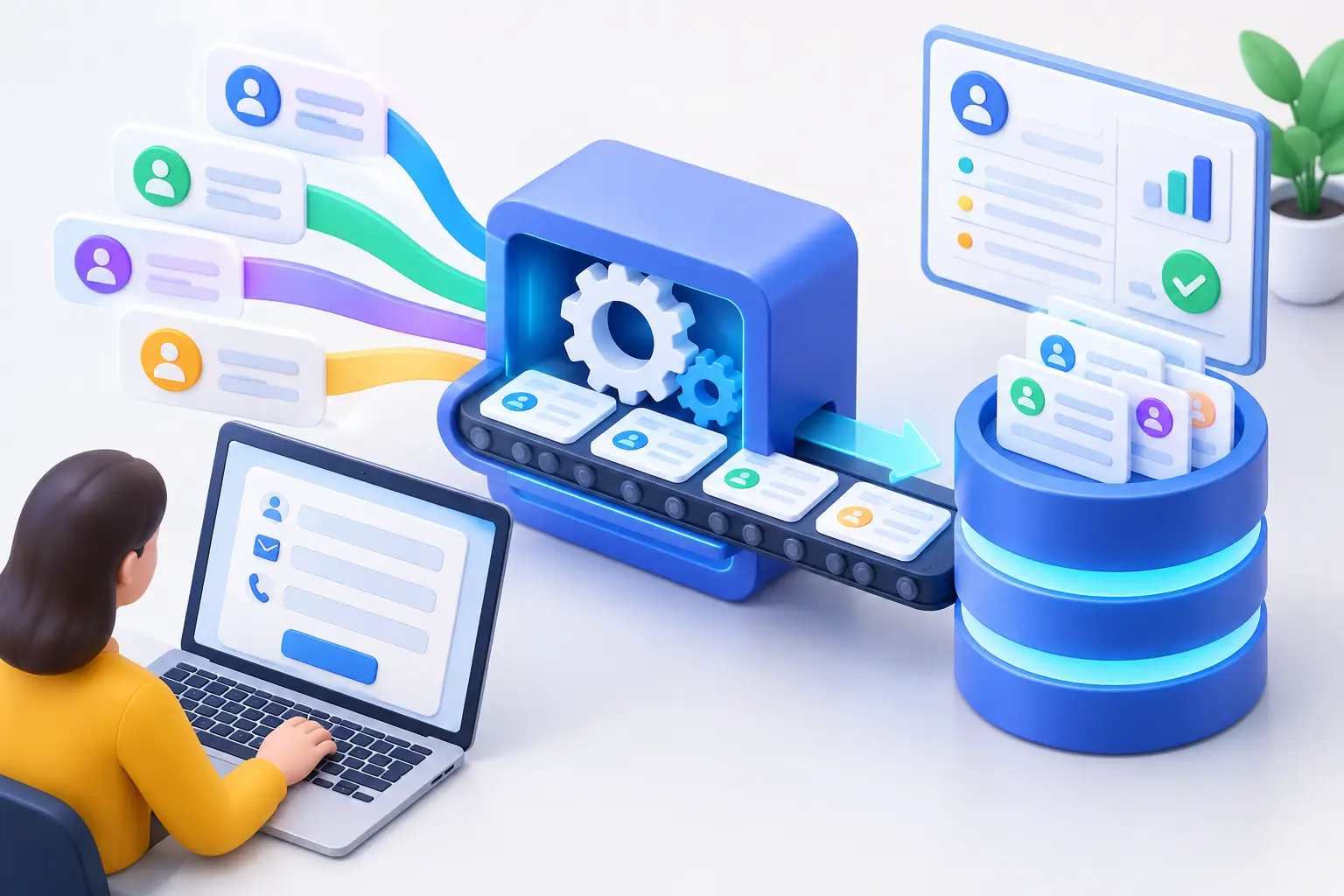
A missed call is rarely just a missed call. For a tradie, it could be a hot quote request while the crew is on site. For a clinic, it may be a patient ready to book. For a solar business, it can be a homeowner comparing providers right now. When you automate enquiry data capture, every inbound conversation becomes usable sales information instead of a voicemail, a scribbled note or a lead someone remembers to enter later.
The goal is not to remove people from the customer experience. It is to stop your people spending their best hours chasing basic details, fixing incomplete records and calling back leads that have already gone cold. A well-designed system answers, captures, qualifies, routes and records the enquiry while your team gets on with quoting, advising and closing.
Why enquiry data goes missing in the first place
Most businesses do not have a lead problem. They have a lead handling problem.
Enquiries arrive from calls, web forms, social ads, SMS, online booking tools and referral partners. During a busy period, the receptionist is helping someone at the counter, the sales rep is driving between appointments, and the owner is on the tools. A caller reaches voicemail, a form sits in an inbox, or a team member captures only a name and number with a promise to sort it out later.
That creates three costly gaps. First, response time slows down. Second, the information collected is inconsistent, which makes qualification and quoting harder. Third, nobody has a clear view of what happened next. Did the lead receive a callback? Was an appointment booked? Is the job worth following up?
Manual entry also creates friction inside the team. One person asks for postcode, another does not. One records the service required, another leaves a vague note. By the time the salesperson calls, they are starting from scratch and the customer has to repeat themselves.
What it means to automate enquiry data capture
Automating enquiry data capture means using connected phone, messaging and sales workflows to collect the right details at the point of contact, then place them in the systems your team already uses.
For an inbound call, an AI voice agent can greet the caller, understand why they are calling and capture key information such as their name, mobile number, suburb, service required, preferred time and urgency. It can check availability, book an appointment or route a complex conversation to a staff member.
For an online enquiry, the same approach can enrich a basic form submission. Rather than passing a first name and email into a general inbox, the workflow can ask practical follow-up questions: What type of system do you have? Is the property residential or commercial? When do you need the work completed? Can you provide photos?
The data then lands in the CRM, calendar, quoting workflow or job management platform in a consistent format. The important part is not simply capturing more fields. It is collecting information that helps the next person take the next action.
Start with the questions that move a sale forward
The fastest way to build a clunky automation is to copy every field from an old paper form. Your enquiry flow should ask only what is needed to qualify, quote, book or route the lead.
A plumbing business may need the caller’s suburb, issue type, property access and whether the problem is urgent. A dental practice may need the patient type, treatment enquiry, preferred practitioner and availability. A mortgage broker may need a broad loan purpose, borrowing timeframe and preferred callback time before a qualified broker takes over.
There is a trade-off. Ask too little and your team still does all the discovery work. Ask too much before offering help and callers drop off. Keep early questions conversational and relevant. Capture the essentials first, then gather deeper information when the enquiry has genuine intent or the next step requires it.
Build different paths for different enquiries
Not every caller should go through the same script. Existing customers need support quickly. New leads may need qualification. Urgent enquiries may need immediate escalation. Price shoppers might need a clear next step that keeps them engaged without tying up a senior salesperson.
Map the common paths before you automate anything. For each path, define what the system needs to capture, what it can do automatically and when a human should step in.
For example, a home services business could create separate flows for emergency work, standard quote requests, rescheduling and accounts enquiries. The emergency flow captures address and issue details, then alerts the on-call team. The quote flow captures scope, location and photos where relevant, then books a site visit or sends the lead to the quoting queue. The accounts flow routes directly to the right person without clogging the sales pipeline.
Make every captured detail useful in the CRM
Data capture only pays off when the information is reliable and visible. If call notes sit in one tool, booking details in another and quote photos in someone’s mobile, the team still has to hunt for the full story.
Set clear rules for where each piece of information belongs. Contact details should update the contact record. Enquiry type and lead source should populate fields that support reporting. Bookings should appear in the correct calendar. Call summaries, transcripts and qualification notes should be available to the person making the next call.
This is where automation should work with the CRM you already use, rather than force an operational rebuild. A sales rep should be able to open a record and immediately see who called, what they need, what was promised and the next action due.
Good data structure also improves reporting. You can see which campaigns produce booked jobs, where leads are dropping out, how many after-hours calls are being captured and which enquiry types take the longest to convert. That is far more useful than counting raw leads at the end of the month.
Use speed without making the experience feel robotic
Customers do not mind a fast first response. They mind being trapped in a pointless menu or repeating information to three different people.
A practical automated experience acknowledges the reason for the call, asks direct questions and gives the customer a useful outcome. That may be a confirmed appointment, a realistic callback window, a request for photos or a warm handover to the right staff member.
Voice AI is particularly valuable after hours, during lunch breaks and when the team is flat out. It can answer every call consistently, capture the essentials and keep the lead warm until a human is available. But it should also recognise its limits. Complaint handling, complex finance questions, sensitive health matters and high-value negotiations often need experienced staff involved early.
The right balance depends on your business. Automate repeatable information gathering and routine booking. Keep people focused on judgement, reassurance, technical advice and relationships.
Connect capture to qualification, quoting and follow-up
Capturing an enquiry is the first step, not the finish line. If a lead is qualified but waits two days for a call, the commercial benefit disappears.
Your workflow should trigger the next action based on the information collected. A qualified lead can be offered a booking immediately. A quote-ready enquiry can be sent to the person or process that prepares pricing. A lead missing a key detail can receive a prompt to provide it. An enquiry that did not book can enter a sensible follow-up sequence rather than vanish into a spreadsheet.
This is where a connected sales setup earns its keep. Sparkssurge can help businesses use AI agents across the flow: qualifying new enquiries, collecting quote-ready details and photos, booking appointments, and chasing follow-ups until the lead progresses. Staff remain in control of the conversations that need their expertise, while the routine admin keeps moving in the background.
Measure the leakage before and after
Do not judge automation by how clever it sounds. Judge it by the gaps it closes.
Track call answer rates, missed-call callbacks, time to first response, booking rates, complete lead records, quote turnaround and conversion by lead source. For appointment-based businesses, also watch no-shows and reschedules. These numbers show whether the workflow is improving revenue capture or merely moving admin from one screen to another.
Start with one high-volume bottleneck, such as after-hours calls or unqualified web enquiries. Get the questions, routing and CRM fields right. Then expand into quoting and follow-up once the front end is working well.
Every enquiry arrives with a short window of intent. Capture the right information while that window is open, give the customer a clear next step, and let your team spend their time where it has the most value: helping customers and booking more work.
See it on your own calls
Book a short demo and we will show you how Sparkssurge answers, qualifies and books on your workflow.
Book a demo