How Businesses Prevent Double Bookings Reliably
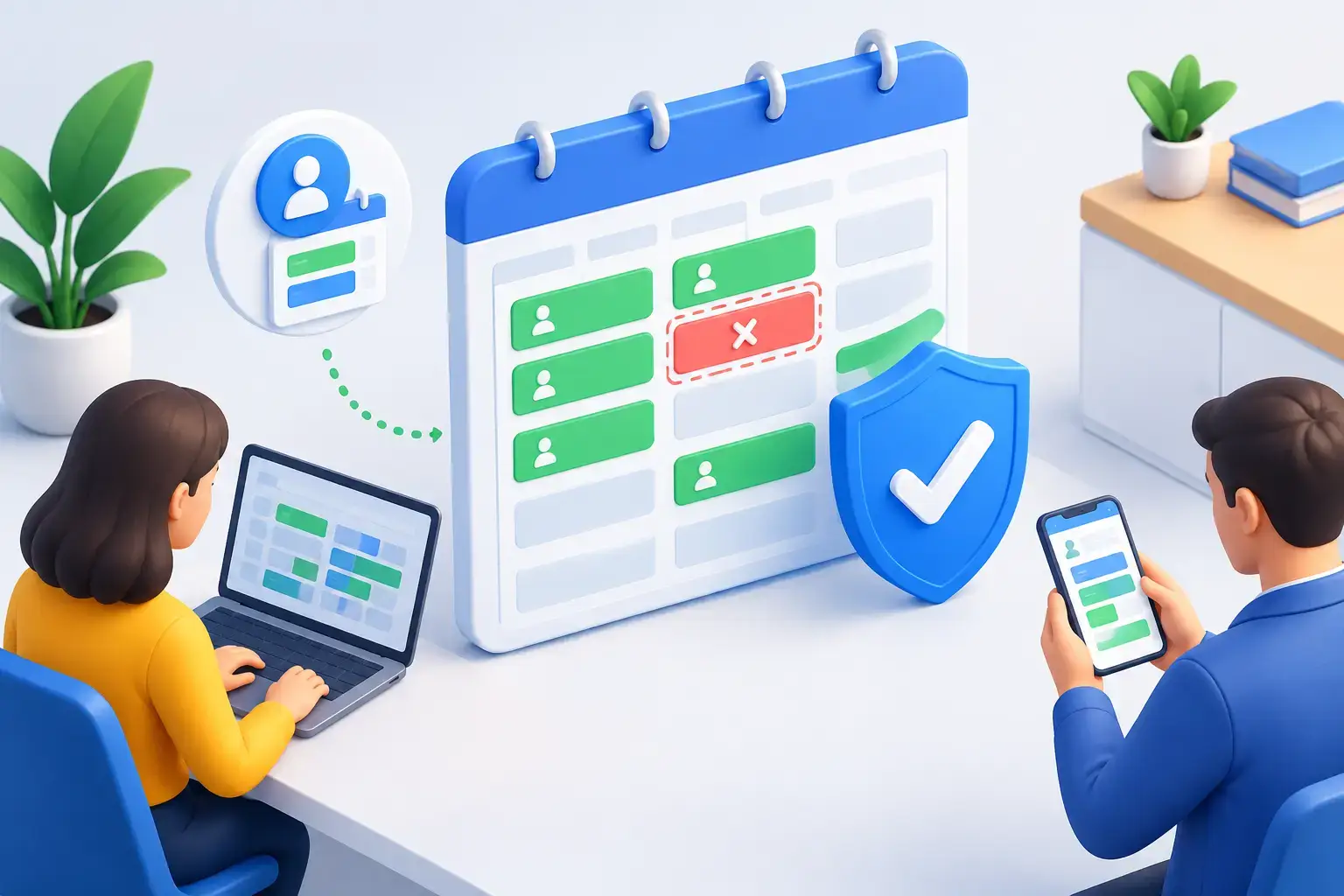
A customer has taken time off work for a solar consultation. A tradie is already driving across town. A clinic room is prepared. Then someone discovers the same time slot was promised twice.
That is why how businesses prevent double bookings is not just a calendar question. It is a revenue, customer experience and team capacity question. The fix is rarely asking staff to be more careful. It is building one reliable process that checks availability, records the booking immediately and gives every person and system the same answer.
Why double bookings keep happening
Most double bookings occur in the gaps between systems and people. A receptionist books an appointment in the calendar while a salesperson confirms the same slot by text. An after-hours voicemail is returned the next morning, but the customer has already booked through the website. A team member writes a job into a diary and plans to update the CRM later.
Busy businesses also have more than one booking source: phone calls, web forms, online booking pages, Facebook messages, walk-ins, referral partners and staff mobiles. Each channel can work well on its own. The trouble starts when they do not share live availability.
For service businesses, the cost is bigger than an awkward phone call. A double-booked dental appointment can create a long wait and damage trust. A home-services job can send a tradie on a wasted run. A real estate team can lose a serious buyer when an inspection time is changed at the last minute. Staff then spend more time apologising, rearranging and manually checking calendars instead of serving customers or closing work.
How businesses prevent double bookings at the source
The strongest approach is to make one system the source of truth for availability. That might be the calendar, booking platform or CRM, depending on how the business operates. What matters is that every booking channel reads from it before offering a time and writes back to it as soon as the customer confirms.
A calendar that is updated at the end of the day is not a live booking system. If a slot is available at 10:02 am and booked at 10:03 am, every channel needs to see that change straight away. This applies to staff booking manually, online booking forms and phone agents alike.
For many businesses, availability is more complicated than an open hour in a calendar. The booking may need a particular practitioner, vehicle, service bay, room, territory or skill set. A solar site visit might require a rep who covers that postcode. A clinic booking may require the right clinician and treatment room. A mechanic may need a hoist, not simply a free adviser.
Set those rules in the booking workflow rather than leaving them to memory. When the system knows what resources are required, it can offer times that are genuinely available.
Use real-time calendar checks
Before confirming any appointment, the workflow should check the live calendar and relevant resource schedules. Once the customer selects a time, it should create the booking immediately, not save it as an unassigned note for somebody to process later.
This is especially valuable for inbound calls. A customer ringing after hours expects a clear answer, not a callback tomorrow. An AI voice agent can check approved availability, book the job into the calendar, capture the job details and send confirmation while the caller is still on the line. It takes pressure off the team without taking the team out of complex conversations.
There is a trade-off. Fully open availability can create an inefficient day if bookings are scattered across a wide service area. Use booking rules to protect travel time, setup time, lunch breaks and appointment buffers. The goal is not to fill every visible gap. It is to book profitable work that the team can actually deliver.
Give every booking channel the same rules
A website form should not offer slots that the phone team cannot book. A salesperson should not be able to promise a time that the booking platform blocks. And a customer who messages on a Saturday should not get a different answer from one who calls on Monday.
Map every way a booking enters the business, then decide how it reaches the central calendar. Some channels may create confirmed bookings automatically. Others may create a tentative hold that requires staff approval. The right choice depends on the service.
For straightforward jobs, such as a standard tyre fitting or introductory consultation, instant confirmation is often the best customer experience. For larger quotes, medical appointments with eligibility requirements or jobs needing site details, a short hold can be safer. The key is that a hold is visible to everyone and expires automatically if it is not confirmed.
Build in buffers, holds and booking limits
Double bookings are not the only scheduling risk. Back-to-back appointments that leave no time for travel, cleaning, paperwork or a customer running late can cause a whole day to unravel. Sensible buffers stop a calendar from looking available when the team is not realistically able to take another job.
Set buffer rules by service type. A 15-minute phone consultation may need no travel buffer, while a two-hour installation quote may need 30 minutes either side. For mobile teams, factor in location rather than applying one blanket rule across Sydney, Melbourne or regional service areas.
Temporary holds are equally useful when a customer is deciding. A hold prevents another channel from immediately taking the slot, but it must have a clear expiry. Otherwise, the calendar fills with ghost appointments and staff start overriding the system.
Booking limits protect capacity at a broader level. You might limit emergency call-outs, new-patient appointments or same-day quotes to a set number each day. That gives the team room for existing customers, urgent work and jobs that run over. It can feel counterintuitive to block apparent availability, but a calendar that promises too much creates more lost revenue than one that protects delivery capacity.
Confirm clearly, then make changes controlled
Customers should receive a confirmation as soon as a booking is made. Include the date, time, address or location, service booked, staff member where relevant, and a clear path to reschedule. This reduces the common problem of customers believing they booked a different time or date.
Reminders then reduce no-shows and give customers a chance to move an appointment before it becomes a problem. For higher-value appointments, a reminder that asks the customer to confirm can flag uncertainty early enough to refill the slot.
Rescheduling needs the same discipline as the original booking. Never simply delete an old appointment and hope the new time is free. Check live availability, update the central record, release the original slot only once the new one is confirmed, and send a revised confirmation. That sequence matters when multiple staff members are handling changes.
Cancellation policies also need to match the operational reality. A strict policy may protect a specialist's time, while a more flexible approach may suit a business trying to win repeat local customers. Either way, make the rule clear and automate the administrative steps where possible.
Stop relying on manual handovers
Manual handovers are where good booking processes often break down. A receptionist takes a call while the operations manager is in the field. A lead comes in through a web form while the sales team is quoting. Someone intends to update the calendar after lunch, then the afternoon gets hectic.
The answer is not another shared spreadsheet. It is an agreed workflow for what happens when an enquiry arrives, who owns it, what information must be captured and when a booking becomes confirmed.
For example, a new home-services enquiry may need the postcode, job type, urgency, photos and preferred time before it can be booked. Capture those details in the CRM at first contact, then let the system route the job to the right calendar or staff member. Staff can step in for unusual requirements, large commercial work or customers who need advice. The routine work should not wait in a voicemail queue.
Sparkssurge supports this model by answering calls around the clock, checking connected calendars, booking or rescheduling appointments and routing complex conversations to the team. The practical value is simple: fewer gaps between the phone, calendar and CRM, and fewer chances for the same slot to be sold twice.
Measure the failures, not just the bookings
Businesses often track total appointments but miss the signals that show scheduling is failing. Review cancelled bookings, reschedules, booking overrides, no-shows, missed calls and the time it takes for a new enquiry to receive a confirmed appointment.
When a double booking occurs, do not stop at fixing that customer's appointment. Find the failure point. Was availability different in two systems? Did a staff member use an old calendar view? Was a tentative hold mistaken for a confirmed booking? Did an after-hours enquiry sit unprocessed until the slot was gone?
These patterns tell you whether the issue is training, system integration, booking rules or capacity. They also show where automation will have the fastest commercial return. If most errors happen after 5 pm or during peak call periods, always-on call handling may solve more than another staff reminder ever will.
A reliable booking process should make the right action the easiest action. When availability is live, rules are clear and every channel updates the same record, staff can focus on the customer in front of them. That is how you protect the diary, keep the job moving and make every promised appointment one your team can deliver.
See it on your own calls
Book a short demo and we will show you how Sparkssurge answers, qualifies and books on your workflow.
Book a demo